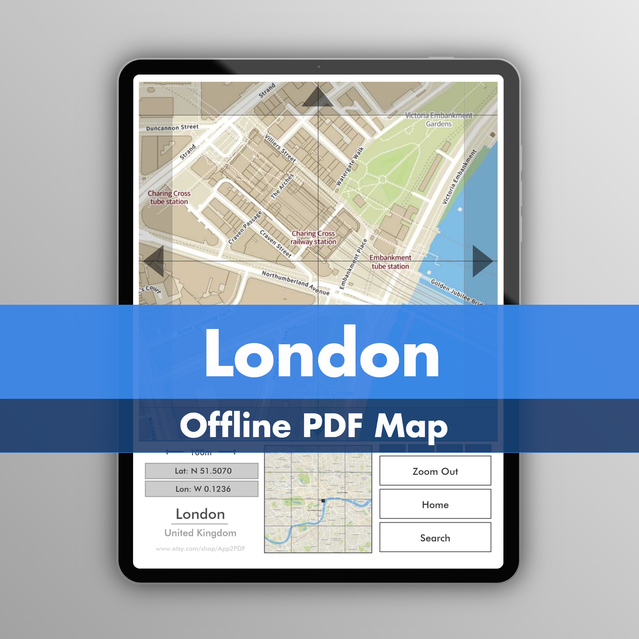
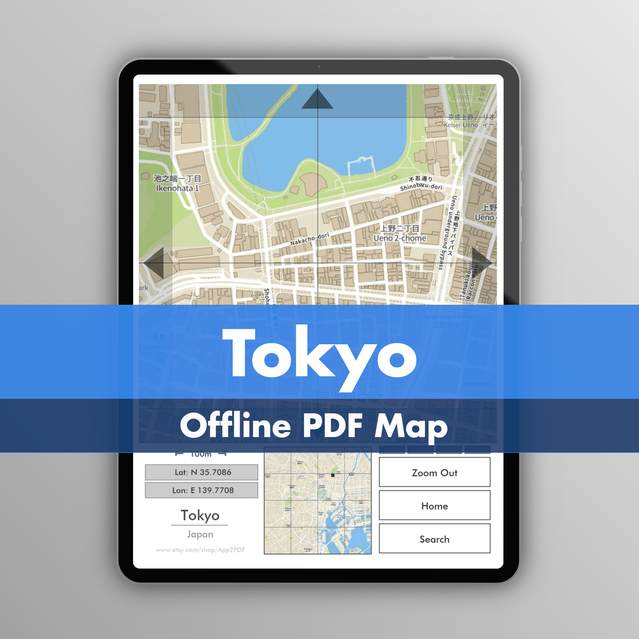
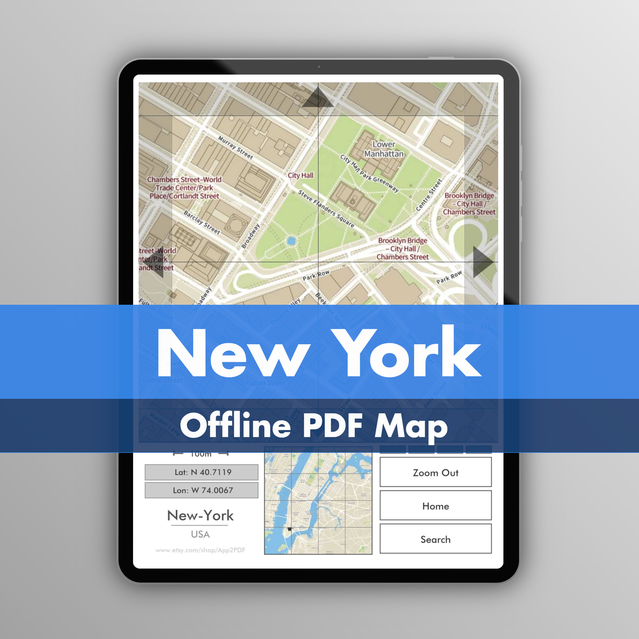
Maps | Cities in a PDF
A detailed, offline, off-grid, fully interactive map in a PDF.
Zooming
Tap the map to zoom in up to 5 levels and see individual buildings.
Scrolling
Use the four arrows to move around the map, just like an app.
Searching
Browse an index of train stations, then jump directly to the station's location on the map.
Access
Click anywhere on the mini overview map (beneath the main map) to jump to that area.
Things to remember
1. There is no “swiping” like in an app. Zooming and moving are done by tapping.
2. Naturally, there’s no GPS. If you don’t know where you are, the map won’t tell you.
3. Recommended screen size: 7″ or larger (6″ if you’re young and/or brave).
1. Kindles sometimes don’t work smoothly with large PDFs, depending on the device and software version.
2. If the PDF opens in your browser, you can just save it as an offline PDF ("Save to files" if you have an iPhone/iPad).
3. reMarkable devices can be picky with filenames. If it doesn't work, rename the file to something simple like "Map.pdf".
4. BOOX devices sometimes apply automatic cropping, which may look odd. Just reset the crop from the menu.
5. iPads and other tablets work as expected. On an iPad, use the free "Apple Books" app to view the PDF.