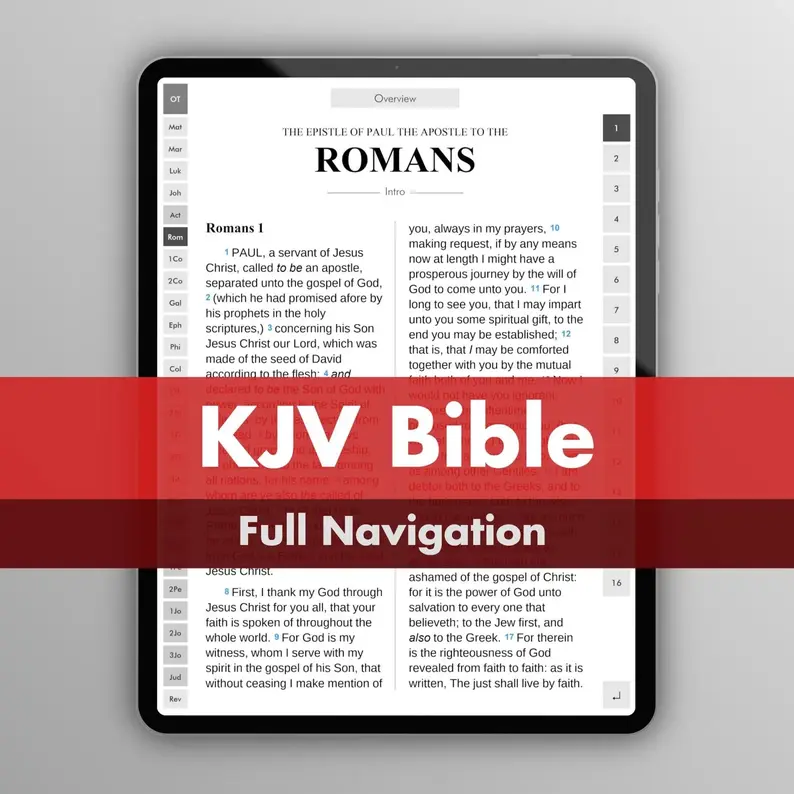
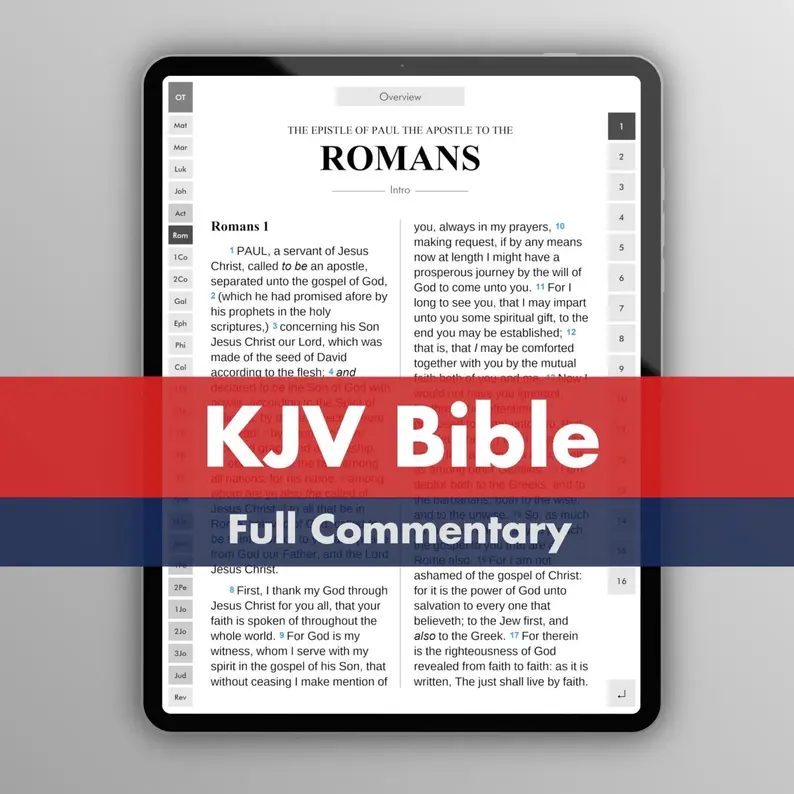
The King James Bible in a beautiful, interactive PDF.
Full Navigation Jump to any book or chapter instantly — 100,000 hyperlinks put the entire Bible at your fingertips.
Bible Text The text is from the KJV Cambridge Paragraph Bible. This introduces important formatting and textual updates to the original version to aid readability. These include paragraph formatting, italics (translator-supplied words) and capitalisations (such as “YHWH”).
Thumbnail Previews Each book has an overview page with thumbnail previews. Tap any thumbnail to jump to that page.
Navigation Map All 1,189 chapters of the Bible are displayed on a single page as a “Navigation Map” — a complete bird’s-eye view. Tap for instant navigation.
Book Introductions + Notes Each book has a brief introduction and a note-taking area.
Full Commentary (option) A full, detailed J.F.B. commentary, linked to nearly every verse in the Bible. Tap a verse and jump instantly to its explanation. Tap the return link to go back to where you were. The complete text is approximately twice the length of the Bible itself.
Above: KJV + Commentary version
Notes
1. Following your purchase, you’ll receive a download link.
2. If the PDF opens in your browser, you can just save it as an offline PDF ("Save to files" if you have an iPhone/iPad).
3. Multiple PDF sizes are included: 6-inch, 8-inch, 10-inch and phone-sized versions. Just choose the size that most closely matches your device's screen.
4. If you have a Kindle, I recommend downloading the demo first and trying it out.
5. reMarkable devices can be picky about filenames. If it doesn't work, rename the file to something simple like "Bible.pdf".
6. BOOX devices sometimes apply automatic cropping, which may look odd. Just reset the crop from the menu.
7. iPads and other tablets work as expected. On an iPad, use the free "Apple Books" app to view the PDF.